Stay hungry. Stay foolish.
People think focus means saying yes to the thing you’ve got to focus on. But that’s not what it means at all. It means saying no to the hundred other good ideas that there are.
You have to pick carefully. I’m actually as proud of the things we haven’t done as the things I have done. Innovation is saying no to 1,000 things.
People think focus means saying yes to the thing you’ve got to focus on. But that’s not what it means at all. It means saying no to the hundred other good ideas that there are. You have to pick carefully. I’m actually as proud of the things we haven’t done as the things I have done. Innovation is saying no to 1,000 things.
Steve Jobs – Apple Worldwide Developers’ Conference, 1997
| Heading 0 | Th 1 | Th 2 | Th 3 |
|---|---|---|---|
| Heading 1 | Cell 11 | Cell 12 | Cell 13 |
| Heading 2 | Cell 21 | Cell 22 | Cell 23 |
| Heading 3 | Cell 31 | Cell 32 | Cell 33 |
| Employee | Salary | |
|---|---|---|
| John Doe | $1 | Because that’s all Steve Jobs needed for a salary. |
| Jane Doe | $100K | For all the blogging she does. |
| Fred Bloggs | $100M | Pictures are worth a thousand words, right? So Jane x 1,000. |
| Jane Bloggs | $100B | With hair like that?! Enough said… |
Skink::sleep(9);
static function isEmpty($stringOrArray) {
  if(is_array($stringOrArray)) {
    foreach($stringOrArray as $value) {
      if(!isEmpty($value)) {
        return false;
      }
    }
    return true;
  }

  return !strlen($stringOrArray);
}
word-wrap: break-word; will be your best friend.
Mark Tag
The mark element represents a run of text in one document marked or highlighted for reference purposes, due to its relevance in another context…
Preformatted Tag
This tag styles large blocks of code.
.post-title {
margin: 0 0 5px;
font-weight: bold;
font-size: 38px;
line-height: 1.2;
and here's a line of some really, really, really, really long text, just to see how the PRE tag handles it and to find out how it overflows;
}
Quote Tag
Developers, developers, developers…
–Steve Ballmer
Strike Tag (deprecated in HTML5)
This tag shows strike-through text
Strong Tag
This tag shows bold text.
Subscript Tag
Getting our science styling on with H2O, which should push the “2″ down.
Superscript Tag
Still sticking with science and Isaac Newton’s E = MC2, which should lift the 2 up.
Teletype Tag (deprecated in HTML5)
This rarely used tag emulates teletype text, which is usually styled like the
Variable Tag
This allows you to denote variables.
Images
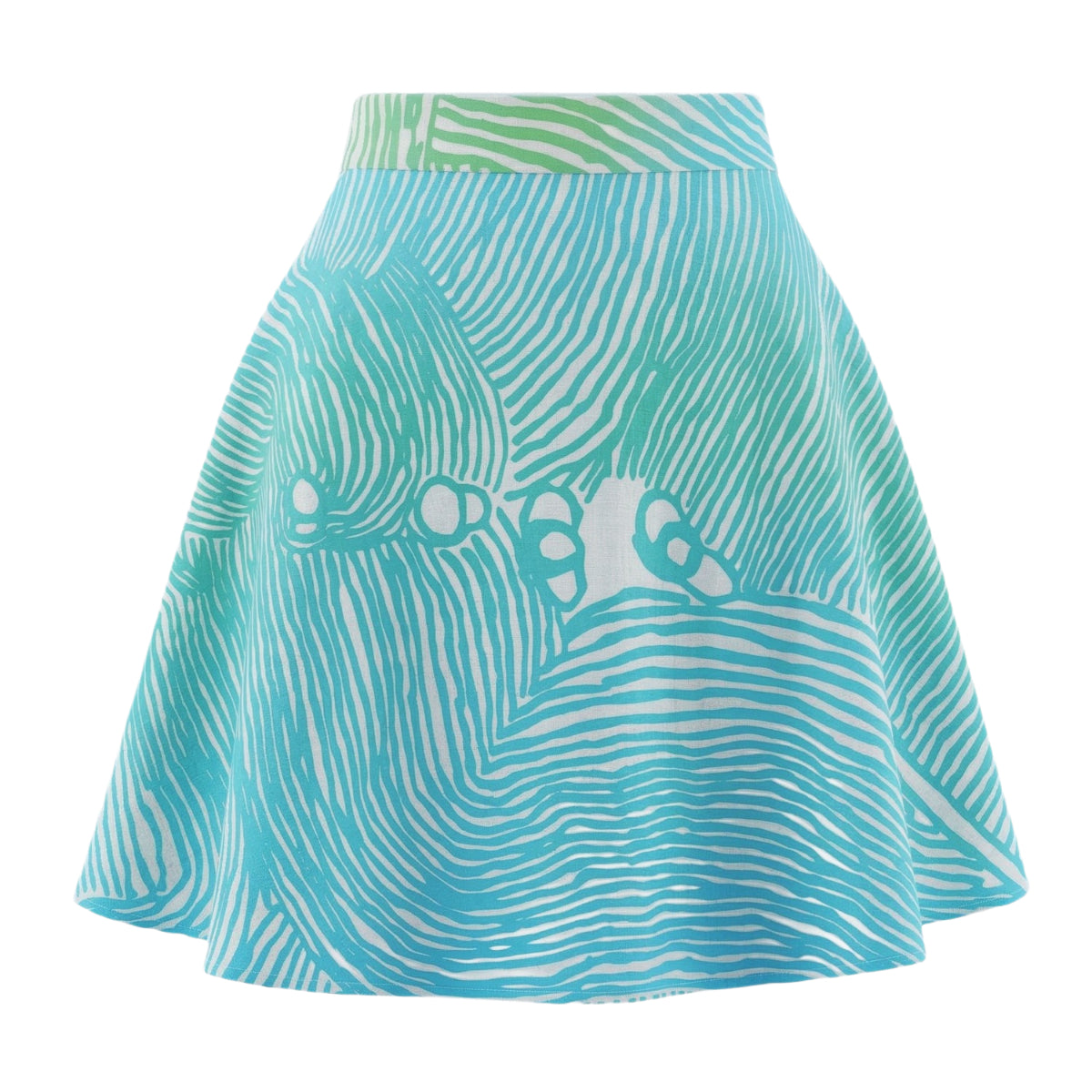
Welcome to image alignment! The best way to demonstrate the ebb and flow of the various image positioning options is to nestle them snuggly among an ocean of words. Grab a paddle and let’s get started.

By the way, the image above has no alignment.
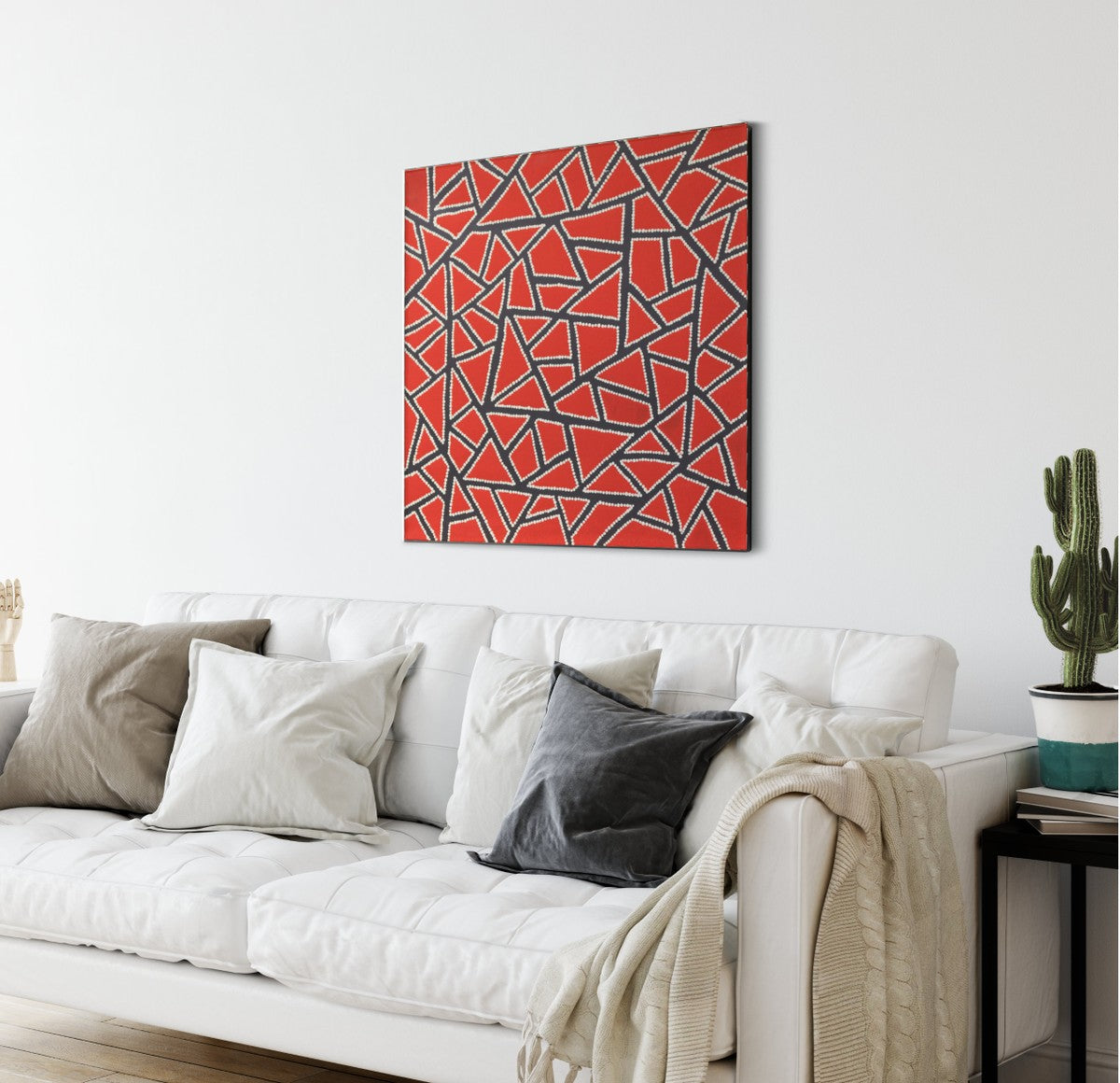
On the topic of alignment, it should be noted that users can choose from the options of None, Left, Right, and Center. In addition, they also get the options of Thumbnail, Medium, Large & Fullsize.
The image above happens to be centered.
The rest of this paragraph is filler for the sake of seeing the text wrap around the 150×150 image, which is left aligned.
As you can see the should be some space above, below, and to the right of the image. The text should not be creeping on the image. Creeping is just not right. Images need breathing room too. Let them speak like you words. Let them do their jobs without any hassle from the text. In about one more sentence here, we’ll see that the text moves from the right of the image down below the image in seamless transition. Again, letting the do it’s thang. Mission accomplished!
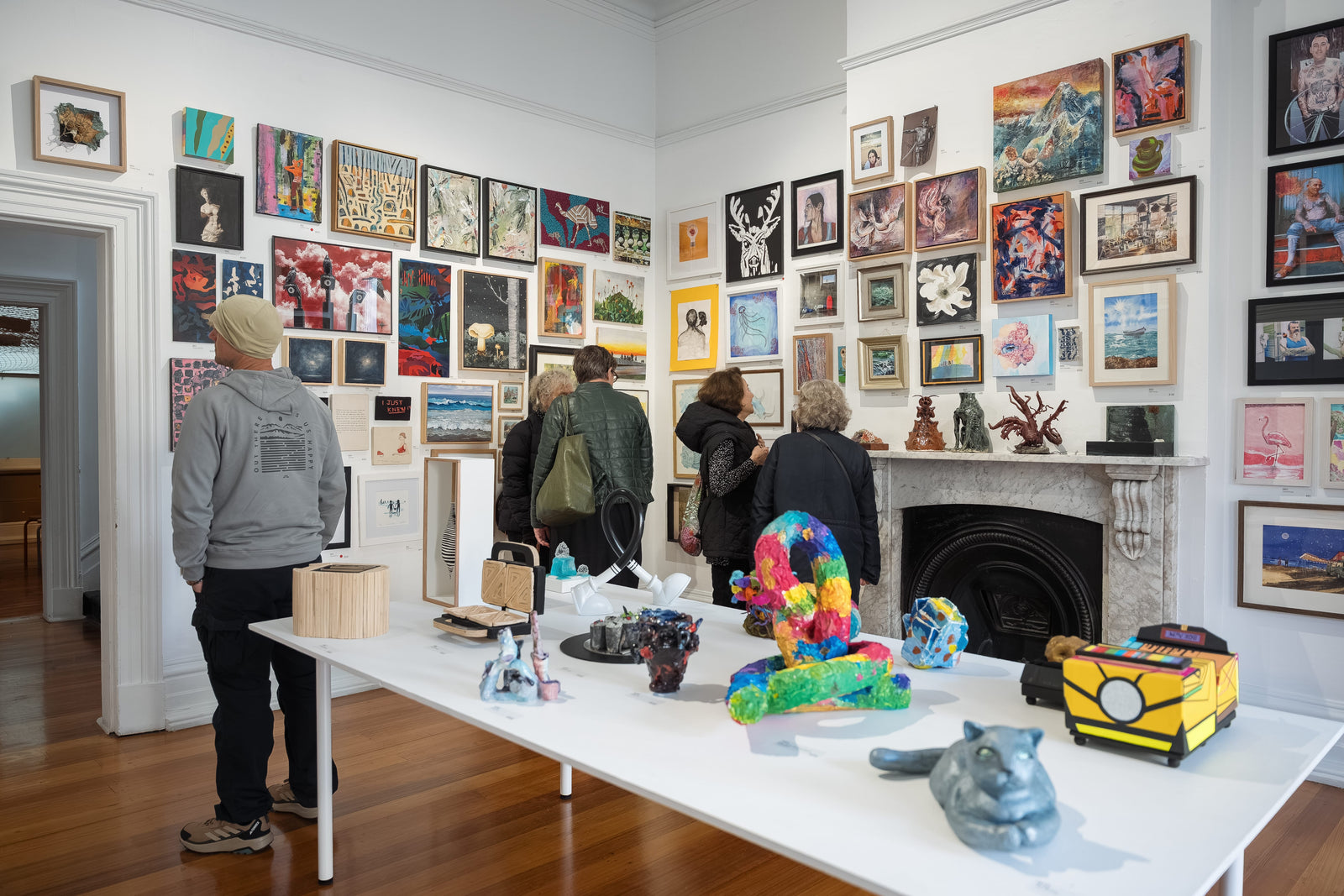
And now for a massively large image. It also has no alignment.

The image above, though 1200px wide, should not overflow the content area. It should remain contained with no visible disruption to the flow of content.
And now we’re going to shift things to the right align. Again, there should be plenty of room above, below, and to the left of the image. Just look at him there… Hey guy! Way to rock that right side. I don’t care what the left aligned image says, you look great. Don’t let anyone else tell you differently.
In just a bit here, you should see the text start to wrap below the right aligned image and settle in nicely. There should still be plenty of room and everything should be sitting pretty. Yeah… Just like that. It never felt so good to be right.
And just when you thought we were done, we’re going to do them all over again with captions!
[caption id="" align="alignnone" width="150"] Look at me getting some caption love.[/caption]
By the way, the image above has no alignment.
[caption id="" align="aligncenter" width="150"] I'm centered, baby![/caption]
The image above happens to be centered. The caption also has a link in it, just to see if it does anything funky.
[caption id="" align="alignleft" width="150"] Itty-bitty caption.[/caption]
The rest of this paragraph is filler for the sake of seeing the text wrap around the 150×150 image, which is left aligned.
As you can see the should be some space above, below, and to the right of the image. The text should not be creeping on the image. Creeping is just not right. Images need breathing room too. Let them speak like you words. Let them do their jobs without any hassle from the text. In about one more sentence here, we’ll see that the text moves from the right of the image down below the image in seamless transition. Again, letting the do it’s thang. Mission accomplished!
And now for massively large images. They also have no alignment.
[caption id="" align="alignnone" width="1200"] This is a normal caption - the image conforms to the width of the text.[/caption]
The image above, though 1200px wide, should not overflow the content area. It should remain contained with no visible disruption to the flow of content.
[caption id="" align="alignnone" width="1200"] # This caption actually starts with a '#' making the image ful-width. As you can see, the '#' is not displayed.[/caption]
The caption of the image above starts with '#', which is a simple way to make the image full-width. Don't forget to set the alignment to 'none'!
[caption id="" align="alignnone" width="1200"] #[/caption]
The caption of the image above is just '#'. That way we can make a caption-less image full-width. And again, set the alignment to 'none'!
[caption id="" align="alignright" width="150"] Feels good to be right all the time.[/caption]
And now we’re going to shift things to the right align. Again, there should be plenty of room above, below, and to the left of the image. Just look at him there… Hey guy! Way to rock that right side. I don’t care what the left aligned image says, you look great. Don’t let anyone else tell you differently.
In just a bit here, you should see the text start to wrap below the right aligned image and settle in nicely. There should still be plenty of room and everything should be sitting pretty. Yeah… Just like that. It never felt so good to be right.
And that’s a wrap, yo! You survived the tumultuous waters of alignment. Image alignment achievement unlocked!
Forms
Buttons
Button Link
Primary Button Link
Inputs
Messages
New Messages
Singles
Phasellus ultricies aliquam erat, eu vehicula turpis adipiscing ut.
Phasellus ultricies aliquam erat, eu vehicula turpis adipiscing ut.
Group
- Phasellus ultricies aliquam erat, eu vehicula turpis adipiscing ut.
- Phasellus ultricies aliquam erat, eu vehicula turpis adipiscing ut.
Board
- Phasellus ultricies aliquam erat, eu vehicula turpis adipiscing ut.
- Phasellus ultricies aliquam erat, eu vehicula turpis adipiscing ut.
Phasellus ultricies aliquam erat, eu vehicula turpis adipiscing ut.
Phasellus ultricies aliquam erat, eu vehicula turpis adipiscing ut.
- Phasellus ultricies aliquam erat, eu vehicula turpis adipiscing ut.
- Phasellus ultricies aliquam erat, eu vehicula turpis adipiscing ut.
- Phasellus ultricies aliquam erat, eu vehicula turpis adipiscing ut.
- Phasellus ultricies aliquam erat, eu vehicula turpis adipiscing ut.